Why your Quest 3 battery dies so fast (and how to actually fix it)
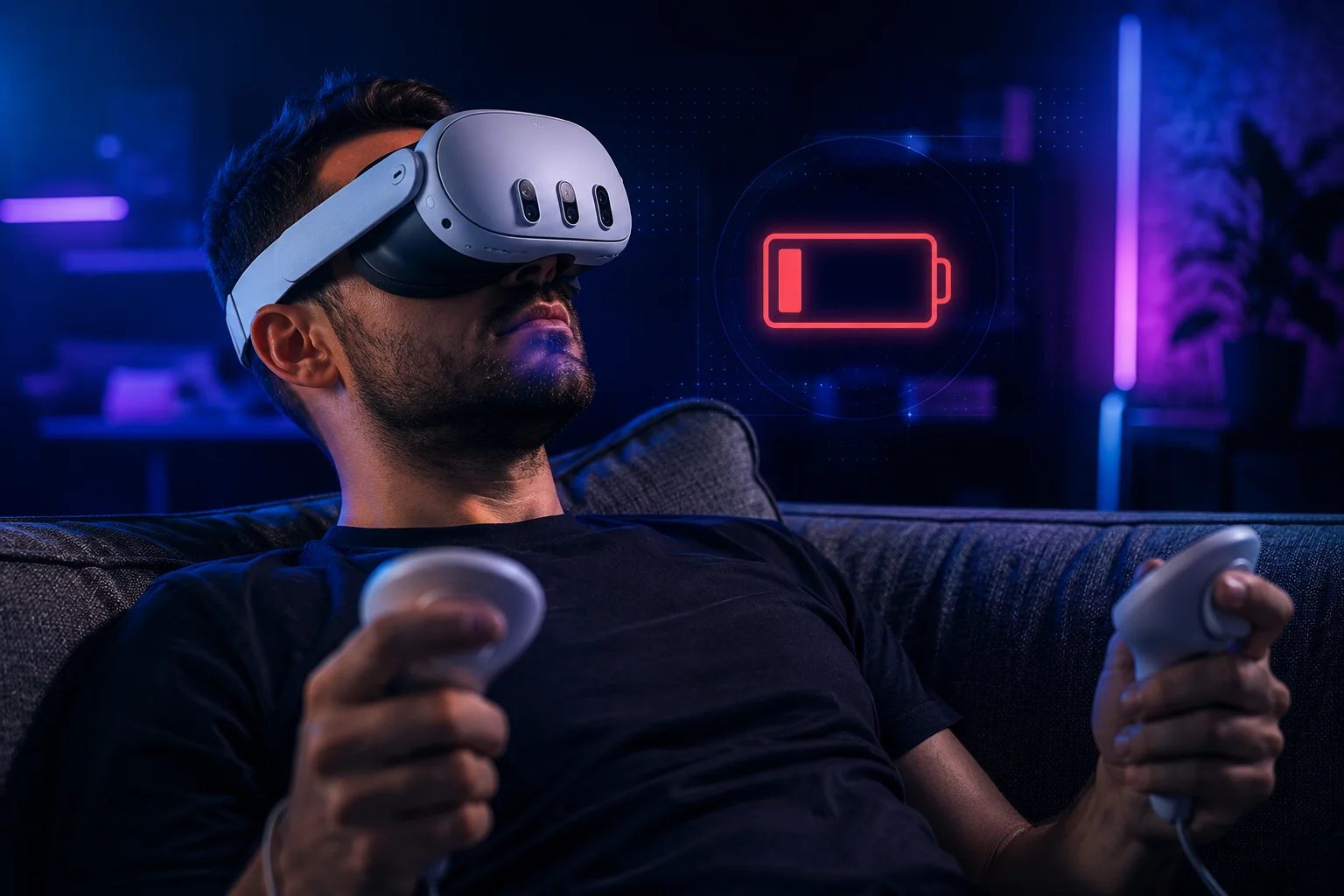
Let's start by validating the complaint: yes, it's short. A Quest 3 gives you roughly two hours of gaming on a charge — a bit more with quiet apps, noticeably less if you live in full-color mixed reality, which works the cameras hard. And when it dies, the salt in the wound is the recharge: close to an hour and forty-five minutes from empty with the included charger. Two hours of play, nearly two hours of waiting.
Here's the part that reframes everything: this is not a defect, and your unit isn't faulty. A standalone headset is a complete gaming PC — chip, two high-resolution displays, cameras, radios — strapped to your face, and every gram matters, so the battery has to stay small. Two to two-and-a-half hours is simply the norm for the whole category at this performance level. Once you accept that the pool is small, the question stops being "how do I get a bigger pool" and becomes "how do I stop draining it — or refill it while I swim." Those are two different games, and most guides mix them up.
First game: settings. These buy you minutes, not hours — worth doing, but be honest about the scale. The two that actually move the needle are the refresh rate and the screen. If you've raised the refresh to 120Hz, drop it back to 90 or even 72 for calm games; the display and chip are the thirstiest parts of the headset, and frames cost power. Lower the brightness to where it's comfortable rather than maximal. Turn on Battery Saver mode in Settings, which bundles several of these compromises into one switch. And if you're playing something fully offline, switching Wi-Fi off in Quick Settings stops the radios from sipping in the background — though skip that one if you play multiplayer or stream from your PC, for obvious reasons (our wireless PCVR guide is the opposite use case: there, Wi-Fi is the whole show). What we won't tell you is that muting haptics will gift you an extra hour; claims like that float around and don't hold up.
Second game: external power. This is the one that actually fixes the problem, because it doesn't stretch the battery — it refills it while you play. The cleanest solution is a battery head strap: a strap with a power cell built into the back that typically doubles your playtime to around four hours, and — a bonus nobody expects — improves comfort, because the rear weight counterbalances the front-heavy headset. It's the single best quality-of-life purchase for a Quest 3, which is why it headlines our accessories guide. The scrappy version of the same idea is a USB-C power bank in your pocket with a long cable to the headset: less elegant, cable down your back, but it works and you may already own one. For seated sessions, it's honestly all you need.
And then there's the long game: keeping the battery healthy so those two hours don't quietly become ninety minutes in a year. Lithium batteries hate extremes. Try to live between roughly 20 and 80 percent instead of running to zero and charging to full every time; don't leave it plugged in for days; if you're storing the headset for a while, leave it around half charge. And keep it away from heat — don't charge it under a blanket, don't leave it in a hot car, and never where sunlight hits the lenses, which is a separate disaster we cover in the lens care guide.
The honest bottom line: change your settings and you'll scrape out some extra minutes; buy a battery strap or use a power bank and the problem effectively disappears. If two hours untethered is genuinely never enough and no accessory appeals, that's less a battery problem than a headset-choice problem — the quiz can help with that one.
Recommended gear
The two ways to make the problem disappear: the battery strap does it elegantly (and fixes the front-heavy balance too); the power bank does it cheaply.
Battery head strap → USB-C power bank →
Answer 7 quick questions and get a personalized match in 60 seconds.
Take the VR Finder quiz →Some links on vr.ar are affiliate links: if you buy through them we may earn a commission at no extra cost to you, which helps keep vr.ar free. Links to Amazon are plain searches and earn us nothing. Prices and specifications are subject to change. See our Privacy Policy.